
WHAT IS CREATOR LAB
FREE, OPEN-RESOURCE MEDIA LITERACY PROJECT FOR HIGH SCHOOL CLASSROOMS
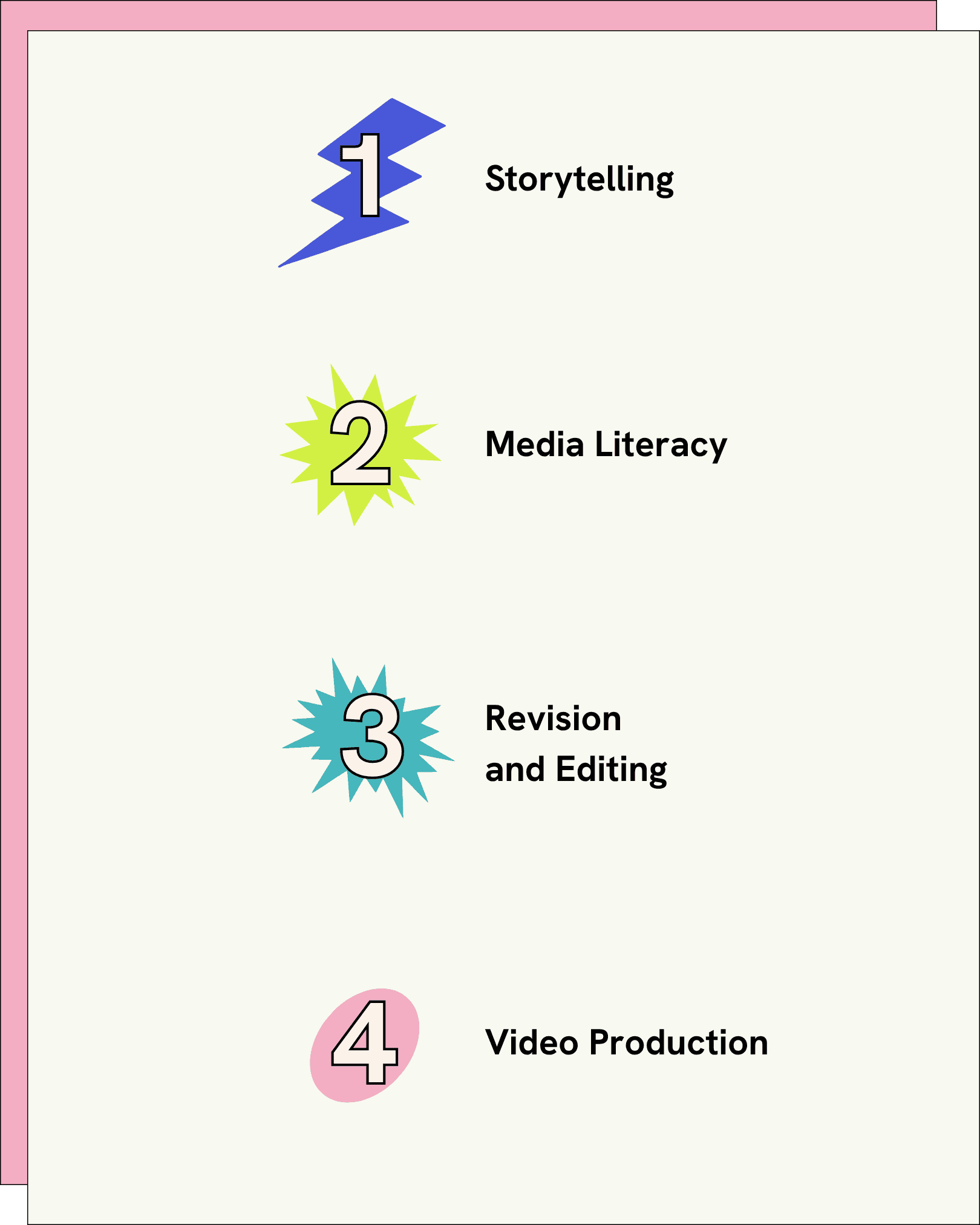
Crash Course Creator Lab is a free media literacy project for 9th–12th grade classrooms. Across four modular units, students develop critical thinking and digital storytelling skills with hands-on practice in researching, scripting, revising, and producing their own educational video in the style of Crash Course.
A COMPLETE VIDEO PRODUCTION LESSON PLAN FOR ANY SUBJECT
Designed to suit a wide variety of core subjects, Creator Lab includes worksheets and activity ideas, guidelines for scripting and finding reliable sources, and student-facing resources for independent study. As the final project, students scope, write, revise, and produce their very own educational video in the Crash Course style.

STUDENT RESOUCES
Welcome to Creator Lab! Got questions? We've got answers. If you’re a student, check out the FAQs below to get started. If you’re an educator, check out our Educator Page.
HOW CAN I PARTICIPATE IN CREATOR LAB?
If your class already uses Creator Lab, your teacher will walk you through your next steps.
If you found Creator Lab on your own—welcome! Our Creator Lab guides are open to all curious creators, but we recommend asking a teacher for help getting started.
HOW DO I FILM AND EDIT MY VIDEO?
Creator Lab has tons of production guides to help you write, research, film, and edit a video from start to finish. You can find all of these resources by clicking the button below and asking your teacher for help.
CAN I USE THE CRASH COURSE LOGO?
Unfortunately, no. We have good news and bad news—the bad news is that all Crash Course graphics can only be used on official Crash Course videos. But the good news is we’ve created special Creator Lab graphics to help your video look even more polished and professional.
HOW OLD DO I HAVE TO BE TO PARTICIPATE?
Creator Lab is designed for use in 9th–12th grade classrooms with teacher supervision. If you’re curious about what you see here, we recommend reaching out to a teacher, parent, or guardian to get started.
CAN I USE THE CRASH COURSE THEME SONG?
Unfortunately, no. You may be tempted to use Crash Course's theme song, but that belongs to Crash Course. Your video will feel more like yours with the Creator Lab theme song instead.
HOW DO I SHARE MY VIDEO?
Your teacher will tell you the best way to share your finished video with your class, whether that’s through your classroom portal, your teacher’s email address, or projecting it in person. Check with them to see which method is best.
We do not recommend uploading your Creator Lab video to YouTube or other public platforms. As a reminder, if you are under 18 years old, you must have your legal guardian’s permission to upload to any public platform.